Hide Face in Video

Cover every face in an MP4 with an opaque shape that cannot be reversed, in your browser. Automatic detection plus hand-drawn regions, sound kept. No upload.

Runs in your browser

Browser-only · opaque cover (irreversible) · switch to blur or mosaic any time · sound copied unchanged or muted · Chrome or Edge on a computer · log in for the beta

Drop a file here or click to browse
Drop an MP4 or tap to choose · it never leaves your device · MP4 · up to 5 min · 500 MB · 4K · 30 fps · H.264/HEVC Files never leave your device.

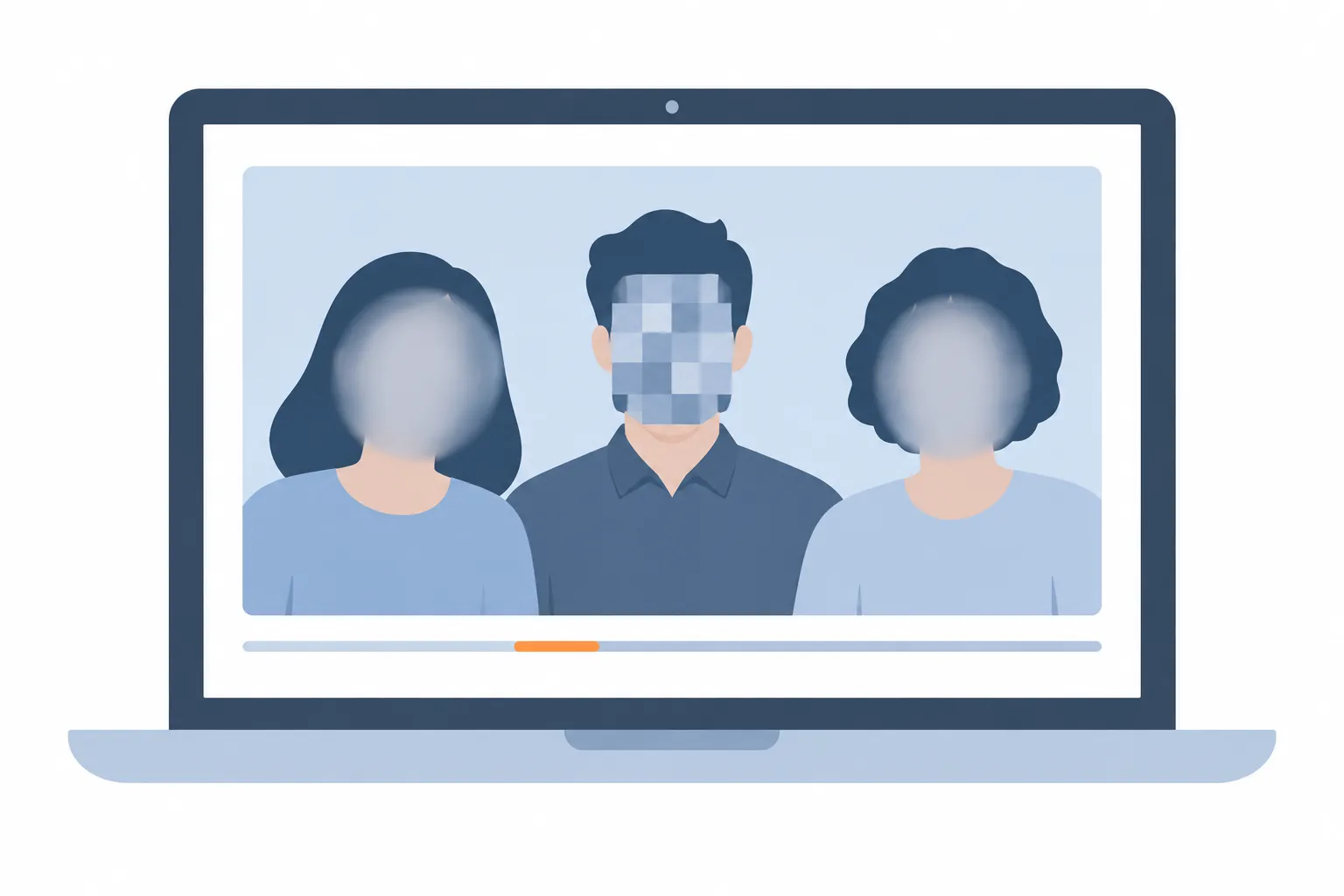
Video frame with two faces softened by blur ovals and one covered by a mosaic square, a timeline with a highlighted review section below
Faces are found on every frame, tracked, and masked along their outline; uncertain moments are marked for your review.
How it worksHow it works
MP4 file
Find faces (worker)
Review · manual regions
Export H.264 + copy AAC
Review is part of safe processing.

Automatic detection can miss faces. Review the entire result before saving. Voices, name badges, licence plates and on-screen text are not removed.

Why a solid cover is different from blur

Blur and mosaic transform the pixels; with enough effort or a known set of candidates, a weak blur or tiny mosaic can be partly reversed. A solid cover replaces the pixels with one opaque colour, so the information is gone from the file and no algorithm can bring it back. For complaints, evidence, workplace recordings or anything you may have to hand to a third party, this is the setting to use.

The cover follows the confirmed face outline (an oval along the chin, cheeks and forehead) plus the padding you set; raise Padding to 15–20% to include hair and ears.

What a cover does not hide

Clothing, tattoos, gait, voices, name badges, screens and reflections can still identify a person. Mute the sound if voices matter, and draw manual regions over badges, plates or screens; a manual region can be a rectangle or an ellipse and can follow movement with keyframes.

Faces the detector misses stay visible: profiles, turned heads, small or motion-blurred faces and faces in mirrors are the usual cases. The orange review sections point to uncertain moments, but only a full play-through confirms the result.

Working with hand-drawn regions

Press Edit regions, drag on the video to draw, then adjust the start and end time in the panel. A region is static by default; press "Add/update keyframe at playhead" at a later time and move it, and the cover glides between the two positions. Delete and undo are always available.

Each region keeps its own method, so a video can combine solid covers on some people with blur on others.

Formats and limits

MP4 with H.264 or HEVC video, up to 5 minutes, 500 MB, 4K and 30 fps, one AAC sound track or none. The result is an H.264 MP4 with the original sound copied byte for byte (or muted) and no original metadata. Chrome or Edge on a computer; Android Chrome with lower limits.

How to use

  1. Drop an MP4 onto the box or tap to choose one; the card shows its codec, size, length and whether this browser can process it.
  2. Press Start analysis (log in once for the beta). The model is downloaded the first time, then every frame is scanned for faces.
  3. Play the preview, jump to the orange review sections, and add a rectangle or ellipse by dragging on the video for anything that was missed.
  4. Keep Solid cover for faces that must stay hidden; raise Padding so the whole head is covered, and choose Mute if a voice could identify someone.
  5. Tick the review confirmation, press Export, then download the MP4.

FAQ

Can I change the cover colour?

Not in this version; the cover is a fixed dark colour (#111827). A colour option is planned.

Is a solid cover enough to anonymise a video legally?

It removes the face pixels irreversibly, but whether a video is anonymised depends on everything else in it and on local law. Treat the tool as an aid and review the whole result.

Does the cover stay when I move the video to another app?

Yes. The cover is baked into the video pixels of the saved MP4; it is not a removable layer or filter.

Related tools

More Video tools: Video

Send feedback

Found a bug or have an idea? Tell us — it helps make the tools better.

Only needed if you would like a reply.

Page: /video/hide-face-in-video/